
Studio Podcast97/100
Why This Rising Fighter Reminds Referees of Terence Crawford
2.5K 16:9 podcast -> 1080p 9:16 active speaker
AI Video Clipping Studio
Drop a video or paste a link to cut viral 9:16 shorts with active face tracking and dynamic captions. Preview free with no signup, or sign in with Google for 30 free watermark-free credits (+15/mo refresh) — no credit card required.
THE 9:16 VERTICAL LOOK
One long video in, ranked 9:16 shorts with active subject tracking and word-by-word captions out.
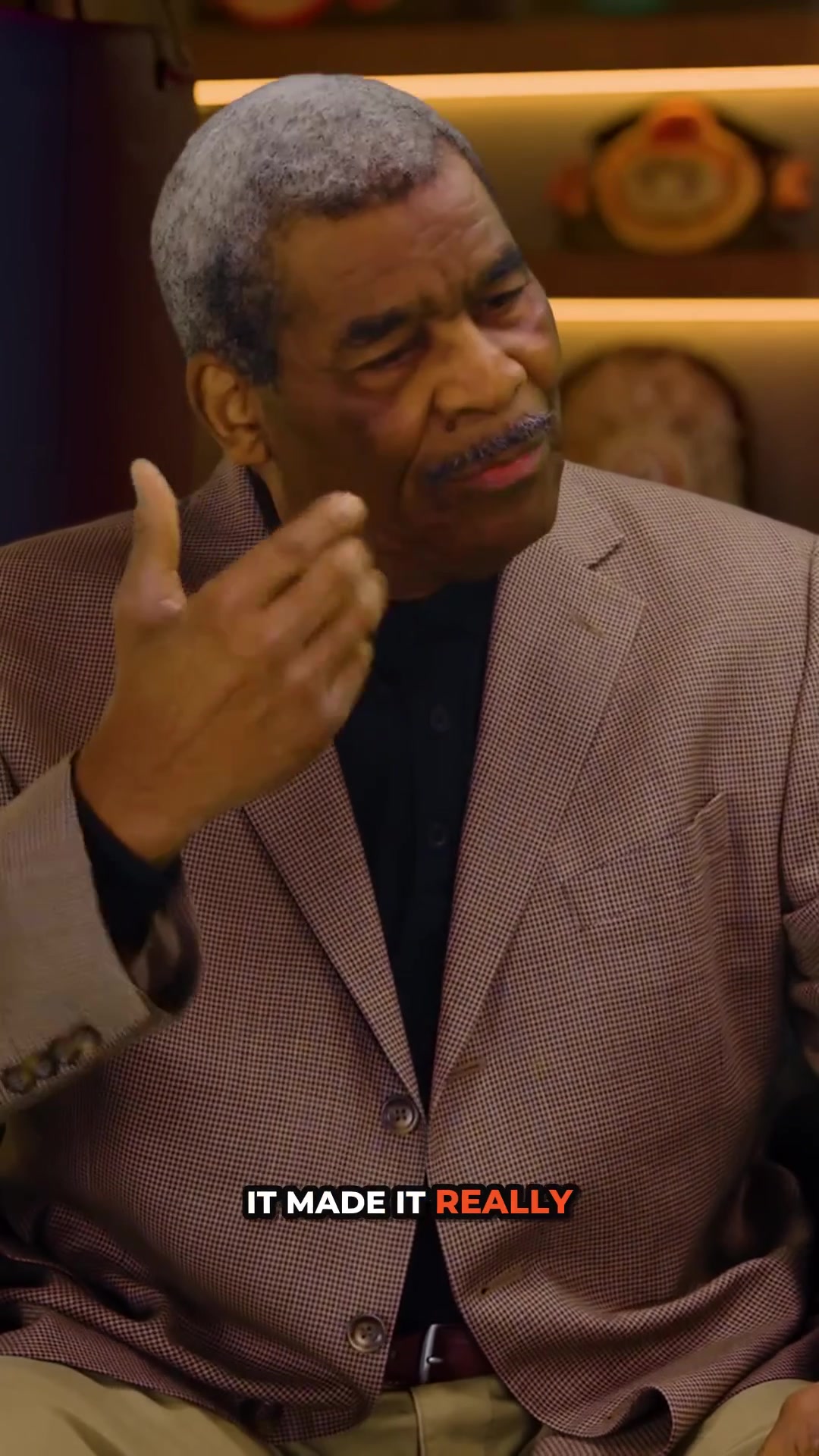
“When the fight started, Boots went straight to the body. He really reminded me of another young man by the name of Terence Crawford. This kid’s footwork to get into position to throw his punches is so important.”
Showreel
Browse real clip formats across podcasts, keynotes, sports film, and livestreams. Click any result to test that workflow right inside the clipper above.
Live Synced Before & After
Press Play to watch both screens run frame-for-frame in lockstep: the orange 9:16 AI window on the left reads our worker’s exact tracking trajectory, gliding with movement and snapping on every camera cut.
Dayo Olopade Live Stage Keynote (CC BY 3.0)
Click either video to play in lockstep: the orange box follows the exact worker tracking keyframes in real time.
"My mom came to visit me here in Nairobi... we saw hundreds of people by the side of the road and she asked, 'Where's everybody going?' I told her they were walking to work. Behind this image you have hundreds of millions of people who get up before dawn to feed their family. That's a story we need to be telling."
Same upload also outputs: 5 vertical clips
How It Works
Everything runs in your browser with zero software install: upload a video or paste a link, let AI score the top hooks and reframe 9:16, then export clean MP4 files ready to post.
Drop MP4, MOV, WebM, or MKV files directly to Cloudflare R2 (150MB guest, 500MB signed-in) or paste a public video link.
Word-level transcription and AI highlight scoring isolate the sharpest 30-60s moments while active face tracking keeps speakers centered.
Word-by-word captions burn cleanly into mobile safe zones. Sign in with Google for 30 free watermark-free credits.
Inputs & Privacy
ClippingTool accepts direct browser uploads (MP4, MOV, WebM, MKV up to 500MB) and public video links up to 180 minutes on paid plans or 15 minutes on free accounts. Every temporary file auto-deletes from Cloudflare R2 after 24 hours.
| Input Source | Max Duration | Upload Cap | Best Use Case |
|---|---|---|---|
| Local Video Uploads (MP4, MOV, WebM, MKV) | 15 min (Free) / 180 min (Paid) | 150MB guest / 500MB signed-in | Podcasts, webinars, screen recordings, original camera footage |
| Public Video Links (YouTube, Twitch VOD, Kick, Vimeo) | 15 min (Free) / 180 min (Paid) | Ingested via cloud worker | Fast cloud repurposing without re-downloading large source files |
| Podcast & Talking-Head Recordings | Up to 3 hours per job | Up to 500MB direct R2 upload | Extracting 3-5 topic-focused clips with active speaker framing |
Output Quality
No-signup guest previews output 1 watermarked 720p clip (up to 60 seconds). Signing in with Google unlocks 30 starter credits plus 15 monthly credits for clean watermark-free 720p MP4 downloads, while paid credits export 1080p HD.
| Output Spec | Guest Preview ($0) | Free Google Account ($0) | Credit Pack / Plans |
|---|---|---|---|
| Aspect Ratio & Framing | 9:16 vertical (active face tracking + Smart Fit) | 9:16 vertical (active speaker + Smart Blur-Fit) | 9:16 vertical + Podcast/Gaming split-screen & Smart Fit |
| Export Resolution & Codec | 720x1280 H.264 MP4 (preview only) | 720x1280 H.264 MP4 + AAC 128kbps | 1080x1920 Full HD H.264 MP4 + AAC |
| Watermark Policy | Light preview watermark in corner | Zero watermark (clean download) | Zero watermark (clean download) |
| Dynamic Captions & Pacing | Word-level synced captions + Auto Trim Pauses | Dynamic, Boxed Pill, Hormozi Bold, Minimal + AI typo fix | Full 4-style caption suite + .SRT + 0-credit inline re-render |
| Cloud Retention & Privacy | Auto-deleted from R2 after 24 hours | Auto-deleted from R2 after 24 hours | Auto-deleted from R2 after 24 hours |
Workflow Comparison
Unlike manual timeline scrubbing or generic video editors that require installing software and selecting every cut by hand, ClippingTool automates highlight scoring, 9:16 face tracking, and synced captions in one pass.
| Comparison Factor | ClippingTool | Manual Editing | Generic Editors |
|---|---|---|---|
| Time to extract 3-5 vertical clips from a 30-min video | 3 to 5 minutes automated in browser | 60 to 120 minutes manually scrubbing timelines | 30 to 45 minutes (manual highlight selection) |
| Try without signing up or card | Yes: 1 free guest preview + 30 free Google credits | Requires desktop software install | Usually requires account before export |
| One-time credits with no subscription | Yes: $9.90 for 120 non-expiring credits | License or subscription varies by vendor | Check vendor pricing (most require monthly plans) |
| Failed render credit protection | Automatic atomic credit refund on any error | N/A (local CPU render) | Varies by provider policy |
24-Hour Auto-Delete & Automatic Failed-Job Refunds: Every source video and exported clip is permanently purged from Cloudflare R2 after 24 hours. Private uploads are never used to train AI models, and any job that fails during processing triggers an automatic atomic credit refund.
Dedicated Workflows
YouTube Video Clipper
Paste public links or upload MP4 files to build vertical clips with safe-zone captions.
Sports Highlight Maker
Scoreboard-safe 9:16 highlight presets for authorized basketball, soccer, football, and esports film.
Clipping Tool Pricing
Compare Free credits, $9.90 one-time Credit Packs, and monthly Starter/Pro plans side by side.
Pricing
Start free, buy a non-expiring credit pack with no subscription, or upgrade for high-volume 1080p clipping.
1 guest preview clip, plus 30 credits on Google sign-in
120 non-expiring credits. Guest checkout supported.
Billed $94.80/year (save 20%), 2,160 credits/year
Billed $238.80/year (save 20%), 7,200 credits/year
Questions
Answers about free previews, credit conversion, privacy, and supported video formats.
Yes. Drop a video up to 150MB or paste a public video link right on the homepage to preview 1 vertical clip (up to 60 seconds, 720p with a light preview watermark) with zero account required. Sign in with Google anytime to unlock 30 starter credits for clean watermark-free exports plus 15 monthly credits.
Only the no-signup guest preview carries a light corner watermark. Once you sign in with Google, your 30 free starter credits and 15 monthly refresh credits export clean 720p MP4 clips with zero watermark. Credit Packs ($9.90) and Starter/Pro plans upgrade exports to 1080p HD with no watermark.
1 credit processes 1 minute of source video (5-credit minimum per job) and outputs 3 to 5 ranked vertical clips with no extra per-clip export fee. Effective cost is $0.083/min on the $9.90 Credit Pack, $0.044/min on Starter Yearly, and $0.033/min on Pro Yearly. If a render fails, crashes, or times out, all deducted credits are refunded automatically.
Uploaded source videos and exported vertical clips live temporarily in isolated Cloudflare R2 storage and are permanently auto-deleted after 24 hours by a bucket lifecycle rule. ClippingTool never sells user media and never uses private uploads to train third-party AI models.
Yes. Our $9.90 one-time Credit Pack includes 120 non-expiring credits (~120 minutes of source video) with 1080p watermark-free exports and zero recurring billing. You can buy it via guest checkout with just an email address.
Upload MP4, MOV, WebM, or MKV files straight from your browser (up to 150MB for guests, 500MB signed-in) or paste public video URLs. ClippingTool reframes 16:9 long videos into 9:16 vertical MP4 clips (720x1280 or 1080x1920, H.264 + AAC) with synced word-highlighted captions.
Ready to Cut
Drop a file or paste a link above to preview your first AI-cut vertical clip free, with zero credit card required.
Last updated: 2026-11-26