
YouTube Video Clipper
Paste a public YouTube link or upload your MP4 master to convert YouTube to Shorts with active speaker face tracking and dynamic captions. Try our YouTube clipping tool free with no signup.
THE 9:16 VERTICAL LOOK
One long video in, ranked 9:16 shorts with active subject tracking and word-by-word captions out.
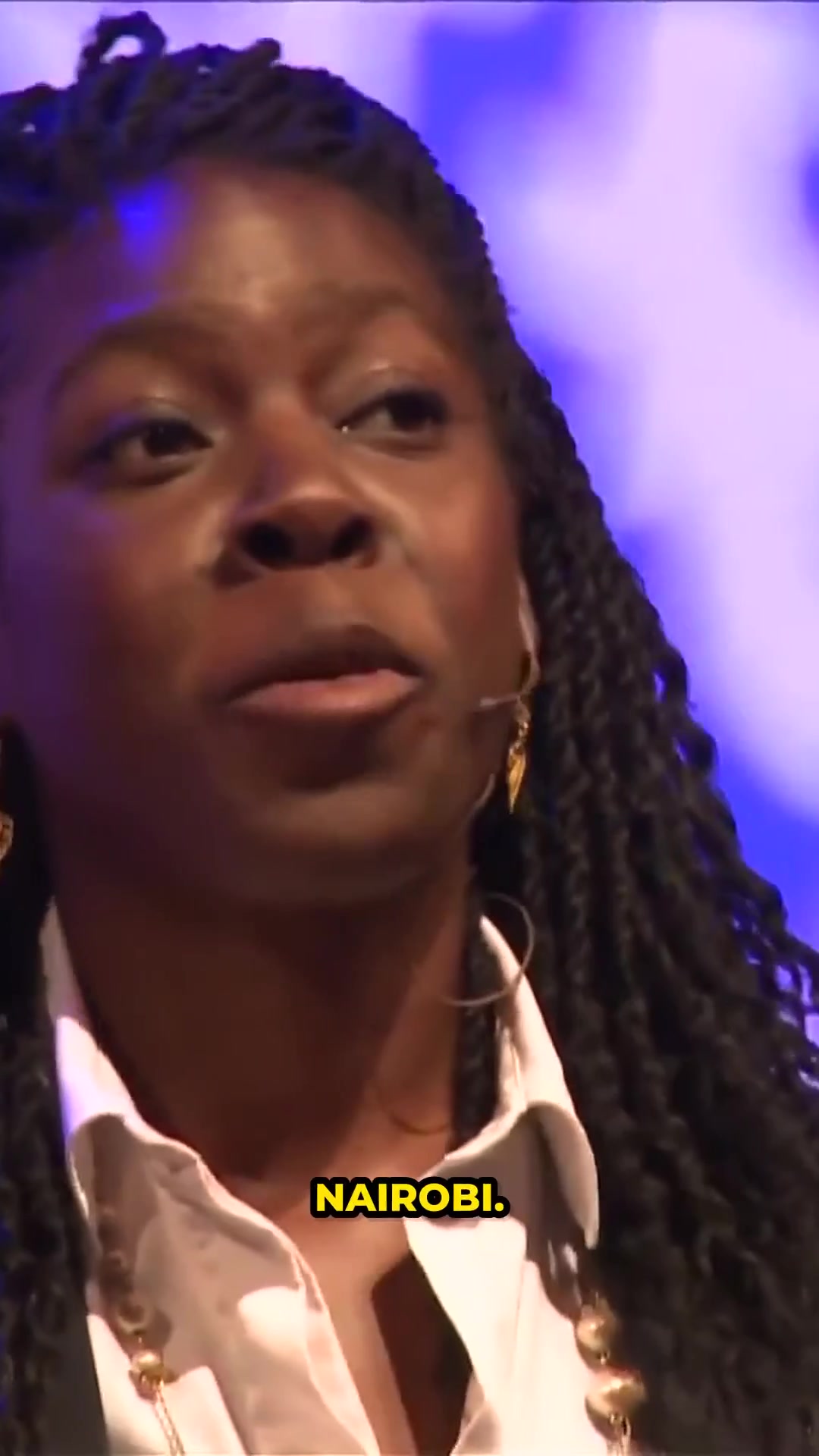
The Story About Africa We Rarely Hear on the News
“My mom came to visit me here in Nairobi... we saw hundreds of people by the side of the road and she asked, 'Where's everybody going?' I told her they were walking to work. Behind this image you have hundreds of millions of people who get up before dawn to feed their family. That's a story we need to be telling.”
YouTube Clipping Tool Input Rules and Limits
This YouTube video clipper accepts both public YouTube URLs and direct local MP4, MOV, WebM, or MKV uploads up to 500MB. Free Google accounts process videos up to 15 minutes with 30 starter credits, while paid plans handle 180-minute episodes at 1080p.
- Supported YouTube URLs
- Public youtube.com/watch, youtu.be, and live VOD archive links
- Direct Local File Upload
- MP4, MOV, WebM, MKV via Cloudflare R2 (150MB guest / 500MB signed-in)
- Private & Members-Only Videos
- Not supported via URL; upload your local master MP4 instead
- Source Video Duration Limit
- Up to 15 min on Free Google accounts; up to 180 min on Credit Pack / Starter / Pro
- Credit Rate
- 1 credit per minute of source video (5-credit minimum); 3-5 Shorts per job
How to Convert YouTube to Shorts in Six Automated Steps
Instead of downloading gigabytes of footage and trimming clips manually, our YouTube clipping tool runs transcription, viral scoring, face tracking, and caption burn-in automatically in one cloud pipeline.
Paste URL or Upload Master
Drop a public YouTube link into the YouTube clipping tool or upload your raw MP4 straight to Cloudflare R2.
Word-Level Transcription
faster-whisper generates exact word timestamps so every cut starts and ends cleanly on natural sentence boundaries.
AI Highlight & Hook Scoring
Gemini Flash-Lite ranks 3 to 5 self-contained 30-60 second moments and assigns a virality score plus Shorts title.
9:16 Active Face Tracking
MediaPipe tracks the active speaker smoothly across horizontal 16:9 frames and locks them in vertical focus.
Safe-Zone Dynamic Captions
Word-by-word highlighted subtitles burn into the lower third above YouTube Shorts navigation buttons.
Clean HD MP4 Export
Preview in-browser, then download clean 720p (Free Google) or 1080p Full HD (Credit Pack / Starter / Pro) MP4s.
YouTube to Shorts: How AI Picks Viral Moments by Format
Different YouTube channels have different pacing. Our YouTube video clipper adapts clip selection to your video format so every exported Short opens on a hook and delivers a complete payoff under 60 seconds.
Podcasts & Multi-Guest Interviews
Detects question-to-payoff turns, contrarian claims, and topic switches so each YouTube to Shorts clip makes sense without the full episode.
Tutorials & Tech Breakdowns
Isolates single actionable tips, concrete numbers, and before/after comparisons into crisp 35-50 second vertical lessons.
Creator Vlogs & Commentary
Combines transcript punchlines with vocal pacing changes to start right on the hook instead of slow channel intros.
Livestream VODs & Q&A Sessions
Pulls complete audience Q&A answers out of multi-hour replays, turning one weekly broadcast into a full week of Shorts.
YouTube to Shorts: What the Output Looks Like
Every job returns 3 to 5 ranked vertical clips with virality scores, exact source timecodes, and safe-zone captions ready for immediate publishing.
24-min tech review video
The 3-second hook mistake killing your YouTube retention
45-min creator podcast
How one thumbnail change jumped CTR from 4.1% to 8.9%
32-min tutorial video
Turn one weekly upload into 5 high-retention Shorts
YouTube Shorts Export Specifications
- Aspect Ratio
- 9:16 vertical (720x1280 Free / 1080x1920 Paid)
- Clip Duration
- 30 to 60 seconds (YouTube Shorts compliant)
- Video & Audio Codec
- H.264 MP4 (+faststart) + AAC 128kbps
- Caption Styles & Pacing
- Dynamic, Boxed Pill, Hormozi Bold, or Minimal + Auto Trim Pauses & AI noun polish
- Storage Retention
- 24-hour automatic deletion on Cloudflare R2
Questions
YouTube Video Clipper FAQ
Answers about YouTube URL clipping, Shorts framing, resolution, privacy, and credits.
Does this YouTube video clipper work with both YouTube links and local MP4 uploads?
Yes. You can paste any public youtube.com or youtu.be URL, or upload your local MP4, MOV, WebM, or MKV master directly to Cloudflare R2 (up to 150MB as a guest, 500MB signed in) for zero re-compression loss.
How long are the generated YouTube Shorts clips?
Our YouTube clipping tool targets 30 to 60 second self-contained segments with a clean opening hook and complete payoff, formatted in 9:16 vertical aspect ratio for instant YouTube Shorts upload.
How does speaker face tracking work when converting YouTube to Shorts?
MediaPipe CPU face detection tracks the active speaker across every 16:9 frame and centers the 9:16 crop window smoothly without jarring jump cuts, ideal for podcasts, interviews, and talking-head channels.
What export resolution and watermark rules apply?
No-signup guest previews output 1 clip at 720p with a light corner preview watermark. Signing in with Google grants 30 starter credits plus 15 monthly credits for watermark-free 720p MP4 exports. Credit Packs ($9.90) and Starter/Pro plans unlock 1080x1920 Full HD with no watermark.
Can I clip private, unlisted, or members-only YouTube videos?
URL import supports public YouTube videos only. Private, DRM-protected, and members-only streams cannot be fetched by URL. To clip an unpublished edit or studio master, switch to the Upload Video tab and upload your MP4 directly.
Will dynamic captions get covered by YouTube Shorts UI buttons?
No. Our YouTube video clipper positions word-highlighted captions inside the vertical safe zone above the bottom title bar and clear of the right-hand like and comment icons.
What happens if a YouTube link fails to download or render?
If a URL fetch fails, times out, or encounters an encoding error, our worker notifies ClippingTool via signed webhook and your deducted credits are refunded automatically.
How long are clipped YouTube videos stored on ClippingTool?
All ingested source files and rendered Shorts MP4 clips are automatically and permanently deleted from Cloudflare R2 after 24 hours.
Last updated: 2026-11-25