
Auto Clipper & AI Clipping Agent
Upload a long video once and let our AI clipping agent handle transcription, highlight scoring, 9:16 reframing, dynamic captions, .srt files, and social post copy automatically.
THE 9:16 VERTICAL LOOK
One long video in, ranked 9:16 shorts with active subject tracking and word-by-word captions out.
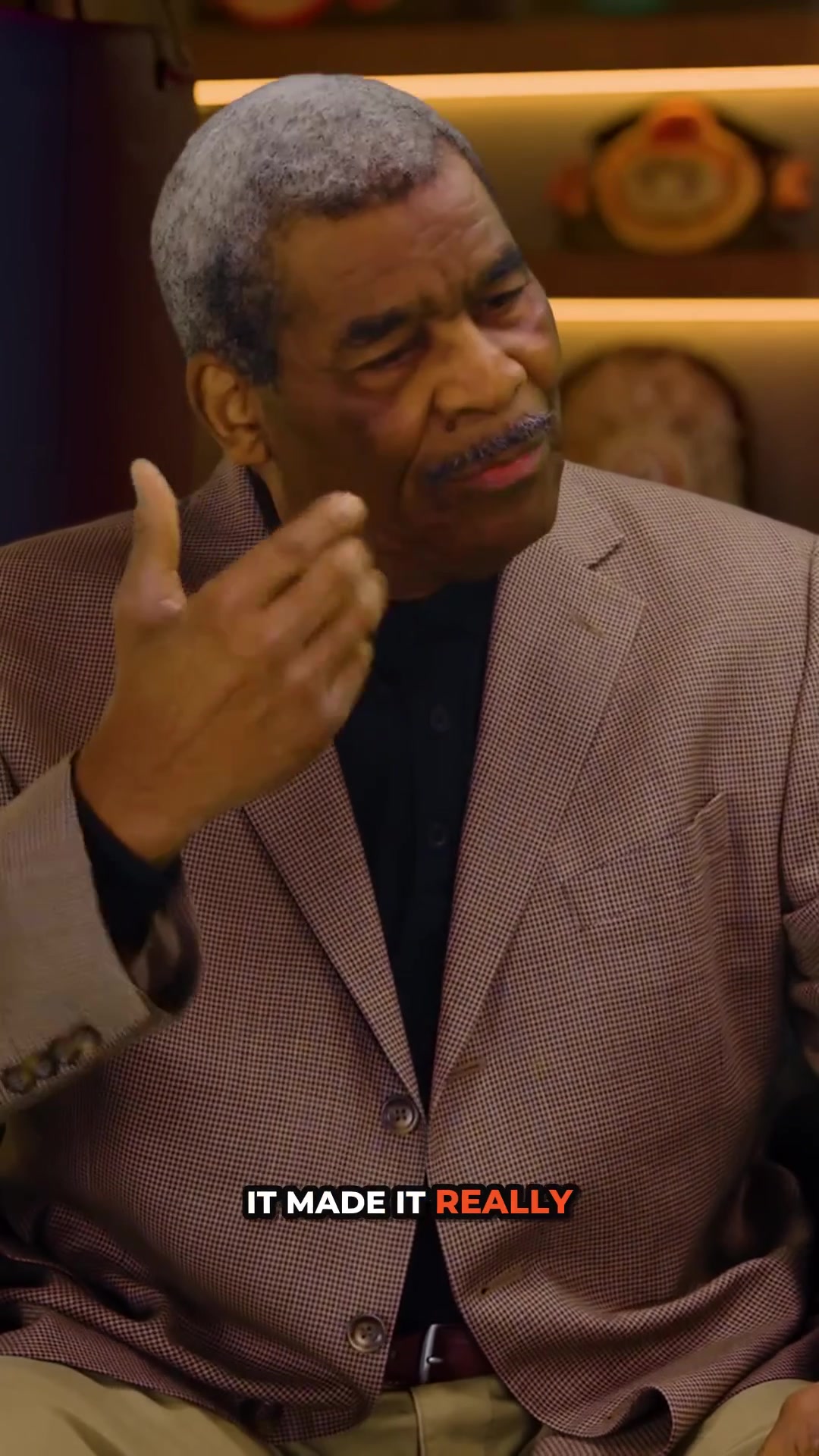
Why This Rising Fighter Reminds Referees of Terence Crawford
“When the fight started, Boots went straight to the body. He really reminded me of another young man by the name of Terence Crawford. This kid’s footwork to get into position to throw his punches is so important.”
How the AI Clipping Agent Batch Pipeline Works
Instead of stitching together separate transcribers, downloaders, and vertical editors, one auto clipper run orchestrates six cloud stages end to end on serverless workers.
STAGE 01
Upload Once (Direct R2 or URL)
Drop an MP4, MOV, WebM, or MKV master straight into Cloudflare R2 via presigned upload, or submit a public video URL. No local GPU or software install required.
STAGE 02
Word-Level Transcript & Audio/Visual Signals
faster-whisper aligns every spoken word to exact millisecond timestamps. For silent or low-dialogue footage, multimodal scene frames and energy spikes pick up the baton.
STAGE 03
AI Clipping Agent Highlight Scoring
Gemini Flash-Lite evaluates hook clarity, pacing, and complete payoffs to select 3-5 standalone 30-60 second moments ranked by Virality Score.
STAGE 04
Automated 9:16 Framing & Dynamic Captions
MediaPipe centers active speakers (or applies Podcast/Gaming split-screen), then FFmpeg renders 9:16 H.264 MP4s with safe-zone ASS captions and -14 LUFS audio.
STAGE 05
Social Copy + .SRT Subtitle Bundle
Every finished clip arrives with platform-ready titles, hook descriptions, hashtags, and a downloadable .srt subtitle track for native uploads or archive editing.
STAGE 06
24-Hour Automatic R2 Purge
Download your finished batch with zero egress throttling. After 24 hours, source files and rendered clips are permanently deleted from storage.
Processing Time Benchmarks & Auto Clipper Credit Math
Every auto clipper job bills strictly at 1 credit per minute of source footage (5-credit minimum), never per exported clip. Review realistic turnaround times and effective cost per batch before uploading.
| Source Length | Typical Processing | Batch Deliverables | Credits | Credit Pack ($9.90) | Pro Yearly ($19.90/mo) |
|---|---|---|---|---|---|
| 10 min video | ~1 - 2 min | 3 - 4 clips + .srt + copy | 10 credits | $0.83 | $0.33 |
| 30 min video | ~2 - 4 min | 4 - 5 clips + .srt + copy | 30 credits | $2.48 | $0.99 |
| 60 min podcast / VOD | ~4 - 7 min | 5 clips + .srt + copy | 60 credits | $4.95 | $1.99 |
| 180 min livestream | ~10 - 16 min | 5 ranked clips + .srt + copy | 180 credits | $14.85 | $5.97 |
Free Google accounts include 30 starter credits + 15 monthly refresh credits (up to 15-min source videos, watermark-free 720p). Paid plans unlock 180-minute sources and 1080p Full HD.
What Every Clipping Agent Run Delivers
Built for solo creators, agencies, and high-volume clippers who need repeatable daily output rather than one-off toy demos.
3-5 Ranked Vertical MP4 Clips
Each clip is cut on complete sentence boundaries, framed at 720x1280 (Free Google) or 1080x1920 Full HD (Paid), and ranked by Virality Score.
Editable Transcript & .SRT Files
Fix brand names or technical jargon inline and re-render a single clip, or export standard .srt files for YouTube Studio and Premiere.
Ready-to-Post Social Captions
Auto-generated hook headlines and short descriptions tailored for YouTube Shorts, TikTok, and Instagram Reels cut publishing time in half.
Atomic Credit & 24h Privacy Guard
If any worker job fails or times out, credits are refunded automatically via atomic webhook. All media auto-deletes from R2 after 24 hours.
Honest Automation Limits to Know Before Batching
- Direct R2 uploads accept files up to 150MB as a guest and 500MB signed in (MP4, MOV, WebM, MKV).
- Free Google accounts cap source length at 15 minutes; Credit Pack, Starter, and Pro handle up to 180 minutes.
- Automatic deletion runs strictly at 24 hours on Cloudflare R2—download finished MP4s and .srt files promptly.
- Inline re-render lets you adjust clip timestamps or fix caption wording on individual clips without re-running the full job.
Questions
Auto Clipper & Clipping Agent FAQ
Answers about unattended batch clipping, turnaround benchmarks, credit math, inline re-renders, and privacy.
How is an AI clipping agent different from a manual video editor?
A manual editor requires scrubbing through an hour of footage, marking in/out points, keyframing 9:16 crops, and styling subtitles by hand. Our auto clipper executes the entire pipeline unattended: upload once and receive 3 to 5 ranked vertical clips, word-level burned captions, downloadable .srt subtitles, and ready-to-post social captions.
How many vertical clips does one auto clipper run produce?
Signed-in runs output 3 to 5 ranked 30-60 second vertical clips per source video, each scored from 1 to 100 for hook strength and narrative completeness. Guest preview mode renders 1 watermarked 720p sample clip so you can test output quality before signing in.
How long does the clipping agent take for 10, 30, 60, or 180 minute videos?
Typical end-to-end turnaround on our Modal cloud workers is 1-2 minutes for a 10-minute video, 2-4 minutes for 30 minutes, 4-7 minutes for a 60-minute episode, and 10-16 minutes for a 180-minute stream VOD. Paid Starter and Pro tiers run on priority queues.
Can I tweak a clip boundary or fix a subtitle typo without re-running the whole video?
Yes. After the auto clipper finishes, you can trim clip start/end seconds or correct caption words inline in the workspace and re-render just that individual clip without paying to re-analyze the full source recording.
How does credit billing work for batch auto clipping? Do I pay per clip?
No per-clip fees. Credits are metered strictly by source video duration at 1 credit per minute (5-credit minimum per job). A 30-minute video costs 30 credits and yields 3-5 vertical clips, .srt files, and social copy with unlimited downloads for 24 hours. Failed jobs refund credits automatically.
What happens to my source video and finished clips after 24 hours?
Both your uploaded master file and every generated 9:16 MP4 are automatically and permanently purged from Cloudflare R2 after 24 hours via bucket lifecycle rules. Nothing is publicly indexed or retained for AI model training.
Last updated: 2026-11-26