
Kick Clip Maker & Vertical Clipper
Turn Kick VODs and OBS stream recordings into 9:16 TikTok, Reels, and YouTube Shorts with Gaming Split-Screen framing, automatic highlight detection, and dynamic captions.
THE 9:16 VERTICAL LOOK
One long video in, ranked 9:16 shorts with active subject tracking and word-by-word captions out.
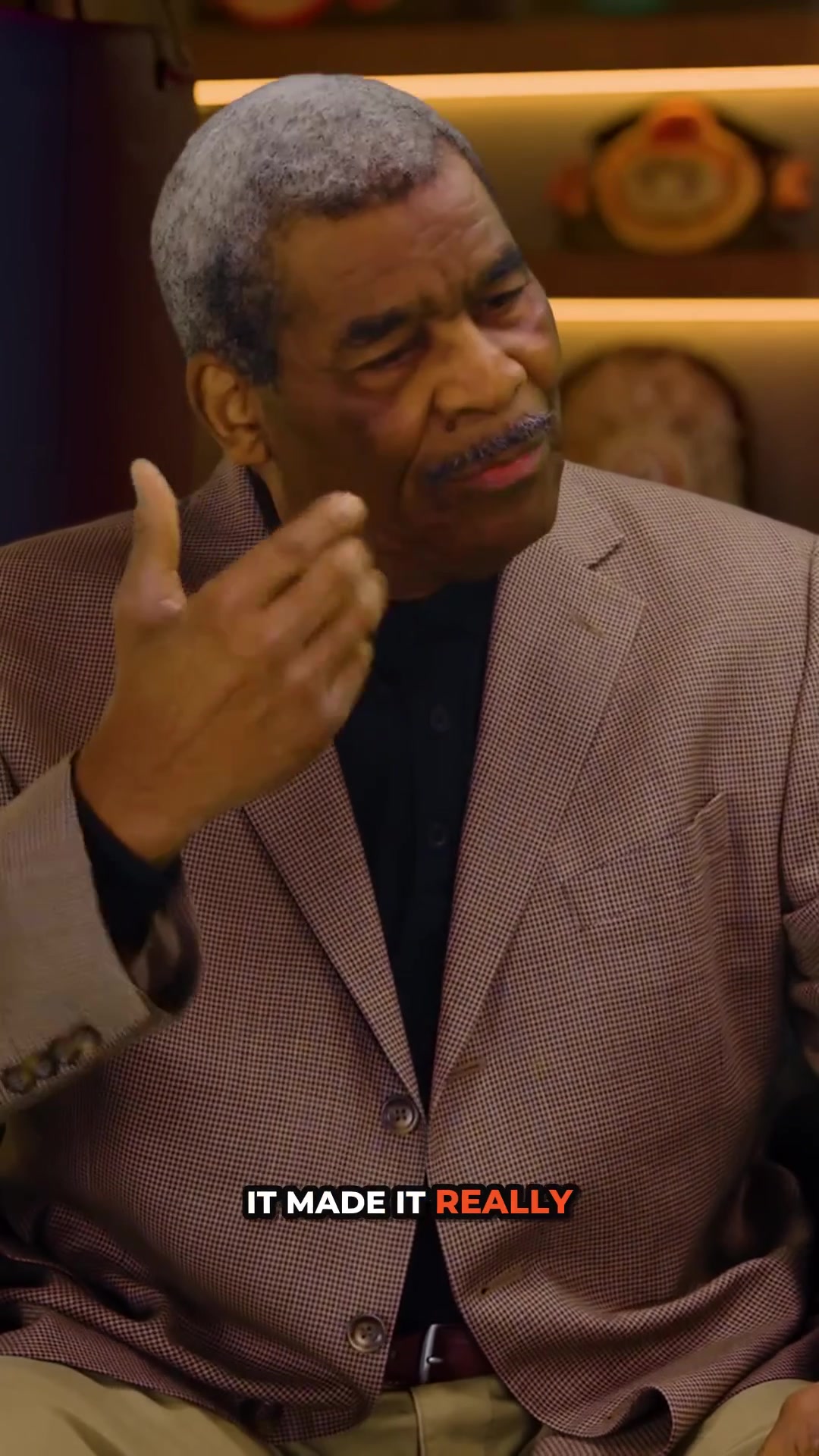
Why This Rising Fighter Reminds Referees of Terence Crawford
“When the fight started, Boots went straight to the body. He really reminded me of another young man by the name of Terence Crawford. This kid’s footwork to get into position to throw his punches is so important.”
Kick VOD URL vs. Local OBS Recording: Which Workflow Fits Best?
Most Kick clips downloaders break when Kick rotates HLS tokens or rate-limits servers. ClippingTool supports both public Kick links and direct Cloudflare R2 OBS uploads so your clipping schedule never stalls.
| Input Method | Best For | Advantages | Things to Know |
|---|---|---|---|
| Public Kick VOD / Clip URL | Quickly clipping a recent public Kick broadcast or authorized creator VOD | Zero local disk space needed; paste link and start immediately | Subject to Kick edge throttling and public-only access; failed fetches auto-refund credits |
| Direct OBS Recording Upload (Recommended) | Kick streamers clipping their own 1080p60 sessions or IRL highlights | Direct Cloudflare R2 presigned upload (up to 500MB signed in), zero re-compression, 100% reliable | Trim multi-hour recordings into highlight blocks or export under 500MB before upload |
Built for Kick Gaming, IRL, and Reaction Streams
Horizontal 16:9 Kick broadcasts lose half their punch when blindly center-cropped. Pick the vertical layout that matches your stream overlay before rendering.
Gaming Split-Screen (Gameplay Top + Facecam Bottom)
Built for FPS, battle royale, slots/IRL desktop streams, and Just Chatting reaction broadcasts where both the main screen and streamer expression drive retention.
Active Face Tracking (IRL & Just Chatting)
Locks onto the speaker during solo IRL walks, studio rants, or desk commentary so horizontal 16:9 streams become crisp full-bleed 9:16 vertical clips.
Two-Speaker Podcast Split (Co-Streams & Debates)
Stacks two Discord or studio cameras vertically for Kick call-ins, panel debates, and co-hosted talk shows without dizzying jump cuts.
How to Turn a Kick Stream into Vertical Clips in 3 Steps
1. Paste a Public Kick URL or Upload OBS Footage
Drop a public kick.com VOD URL into the workspace above, or switch to Upload Video to send your local MP4/MKV master directly to Cloudflare R2.
2. Pick Your Vertical Layout & Caption Style
Choose Gaming Split-Screen for gameplay + webcam streams or Active Speaker for IRL and Just Chatting, then select Bold Hook or Dynamic word-highlighted captions.
3. Export Clean 9:16 Clips + .SRT & Social Copy
Review 3-5 AI-ranked moments, tweak any start/end trim or caption typo inline, and download clean 720p or 1080p MP4s ready for TikTok, Reels, and Shorts.
Creator Rights & Kick Compliance
Use this Kick clip maker only on your own streams or authorized creator channels (such as official clipping campaigns). ClippingTool does not bypass Kick paywalls, private VOD locks, or copyright protections.
Pro Tip for Kick Clippers
Record locally in OBS using MKV/MP4 replay buffers for your best moments and upload straight to R2—zero stream compression, instant 1080x1920 vertical exports, and 24-hour auto-cleanup.
Questions
Kick Clip Maker & Downloader FAQ
Answers about Kick VOD URLs, OBS uploads, Gaming Split-Screen framing, watermarks, and creator rights.
Should I paste a Kick VOD link or upload my local OBS recording?
Public Kick VOD URLs work directly when accessible, making it fast to pull recent streams. However, because Kick uses aggressive edge protection and variable HLS bitrates, uploading your local OBS MP4 or MKV recording directly to Cloudflare R2 is faster, immune to rate limits, and preserves original 1080p quality.
How does Gaming Split-Screen keep both my gameplay and facecam visible?
Standard center-cropping cuts off your webcam overlay or HUD. Selecting Gaming Split-Screen places wide gameplay in the upper frame and stacks your facecam region cleanly underneath in a native 9:16 vertical canvas, with dynamic captions centered in the safe zone.
Is this just a Kick clips downloader or does it edit vertical Shorts too?
It goes beyond a basic Kick clips downloader. Instead of handing you a raw 16:9 file you still have to edit, ClippingTool analyzes the stream, pulls 3 to 5 high-energy 30-60 second moments, reframes them into 9:16, burns word-highlighted captions, and gives you downloadable MP4 and .srt files.
Can I download Kick clips with no watermark for TikTok and Reels?
Yes. Guest preview mode outputs 1 watermarked 720p test clip with no signup. Signing in with Google unlocks 30 free starter credits plus 15 monthly credits for 100% watermark-free 720p MP4 exports. One-time $9.90 Credit Packs and Starter/Pro plans unlock 1080x1920 Full HD.
Can I clip another Kick streamer’s VOD for a clipping campaign?
Only clip your own broadcasts or Kick channels where the creator explicitly permits fan clips or runs an authorized clipping campaign (such as Whop or Content Rewards). ClippingTool does not bypass paywalls, subscriber-only locks, or DRM restrictions.
What happens to my credits if a Kick link fails to fetch?
If Kick blocks a remote fetch or a stream link expires mid-download, our worker reports the failure and ClippingTool automatically refunds your credits atomically so nothing is wasted.
Last updated: 2026-11-26