
Twitch Clip Maker & Stream Clipper
Turn Twitch VODs and local OBS recordings into viral 9:16 clips for TikTok, Reels, and YouTube Shorts with Gaming Split-Screen framing and automatic reaction highlight detection.
THE 9:16 VERTICAL LOOK
One long video in, ranked 9:16 shorts with active subject tracking and word-by-word captions out.
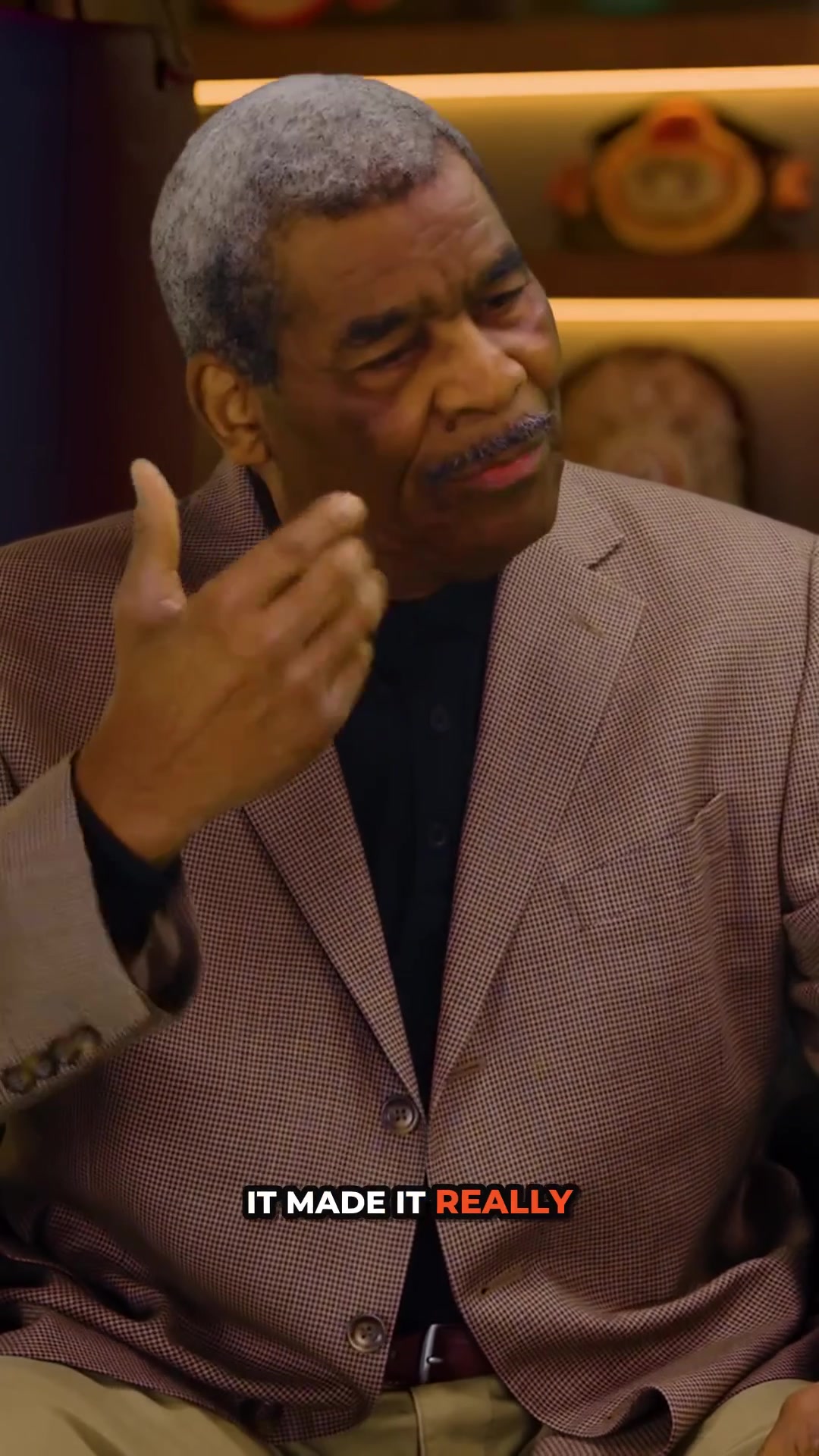
Why This Rising Fighter Reminds Referees of Terence Crawford
“When the fight started, Boots went straight to the body. He really reminded me of another young man by the name of Terence Crawford. This kid’s footwork to get into position to throw his punches is so important.”
Why Streamers Choose a Dedicated Twitch Clip Maker Over Manual Editing
After a four-hour broadcast, nobody wants to spend another two hours scrubbing timelines in Premiere. Our stream clipper handles highlight discovery, split-screen framing, and mobile-safe captions in one pass.
Gaming Split-Screen Framing
Keep gameplay action on top and your facecam reaction on the bottom so mobile viewers read both the clutch play and your expression simultaneously.
Reaction & Energy Spike Detection
Combines transcript punchlines with sudden mic volume surges and team-comms bursts to isolate high-retention stream highlights automatically.
Inline Trim & Caption Polish
Nudge clip start/end seconds or fix gamer tags and callout spelling inline, then re-render that single clip without re-running the full VOD.
Twitch VOD Link vs. Local OBS Recording Comparison
Use whichever source fits your workflow today—paste a public VOD link right after going offline, or drop your crisp local OBS recording directly into Cloudflare R2.
| Factor | Public Twitch VOD URL | Local OBS Recording Upload |
|---|---|---|
| Setup Speed | Paste public twitch.tv/videos/... link in 5 seconds | Drag & drop local MP4/MKV directly to Cloudflare R2 (up to 500MB) |
| Video Bitrate & Clarity | Matches Twitch transcoded VOD stream (often 6,000 kbps) | Original local 1080p60 OBS master with zero stream compression loss |
| Sub-Only & DMCA-Muted Sections | Public unmuted VODs only; sub-only archives are blocked | Works on unpublished broadcasts and preserves clean mic audio tracks |
| Best Use Case | Quick daily highlight pulls from public streams or campaign VODs | Streamers exporting crisp 1080x1920 clips for TikTok, Shorts & Reels |
Vertical Export Checklist for Gaming Clips
- Native 9:16 H.264 MP4 (+faststart): 720x1280 free Google / 1080x1920 paid HD.
- Audio loudness normalized to -14 LUFS so quiet whispers and hype shouts balance cleanly.
- Captions placed inside vertical safe margins above TikTok, Reels, and Shorts overlays.
- Automatic 24-hour Cloudflare R2 purge keeps unpublished stream files private.
Authorized Stream Footage Only
Only submit your own Twitch broadcasts or streams where the creator permits clipping. ClippingTool does not download subscriber-only archives or circumvent platform protections.
Questions
Twitch Clip Maker & Stream Clipper FAQ
Answers about Twitch VOD links, OBS uploads, Gaming Split-Screen framing, muted audio, and credits.
Does this Twitch clip maker work on subscriber-only VODs?
URL import supports public Twitch VODs (twitch.tv/videos/...) and public clips only. Subscriber-only or unpublished archives cannot be fetched by link—switch to the Upload Video tab and upload your local OBS recording directly to Cloudflare R2 instead.
How does Gaming Split-Screen frame gameplay and facecam for TikTok and Shorts?
Gaming Split-Screen renders your wide 16:9 gameplay in the top panel and stacks your facecam reaction in the bottom panel on a native 9:16 canvas, keeping captions in the middle safe zone so TikTok and YouTube Shorts buttons never cover your crosshair or face.
How does the stream clipper find hype moments inside a 3-hour broadcast?
The pipeline pairs faster-whisper word-level transcription with vocal/audio energy spikes to flag clutch comebacks, sudden laughs, heated debates, and punchline reactions, then trims each pick into a self-contained 30-60 second vertical clip.
What if parts of my Twitch VOD were muted for background music?
Muted VOD segments have no dialogue for transcript scoring, though our multimodal fallback can still clip high-motion visual windows. For the sharpest results, upload your local OBS multi-track recording with game audio and mic clean.
How many credits does it take to clip a 60-minute Twitch stream?
Credits bill at 1 credit per minute of source video (5-credit minimum) regardless of how many clips you export. A 60-minute VOD uses 60 credits ($4.95 on a $9.90 non-expiring Credit Pack, or $1.99 on Pro Yearly) and returns 3-5 ranked vertical clips plus .srt files.
Do free Twitch exports include a watermark?
No-signup guest previews carry a light corner watermark. Signing in with Google unlocks 30 free starter credits plus 15 monthly credits for watermark-free 720p MP4 downloads, with no credit card required.
Last updated: 2026-11-26