
Video to Shorts (16:9 to 9:16 Converter)
Convert 16:9 widescreen footage into native 9:16 vertical YouTube Shorts, TikToks, and Instagram Reels with active face tracking, split-screen layouts, -14 LUFS audio, and safe-zone captions.
THE 9:16 VERTICAL LOOK
One long video in, ranked 9:16 shorts with active subject tracking and word-by-word captions out.
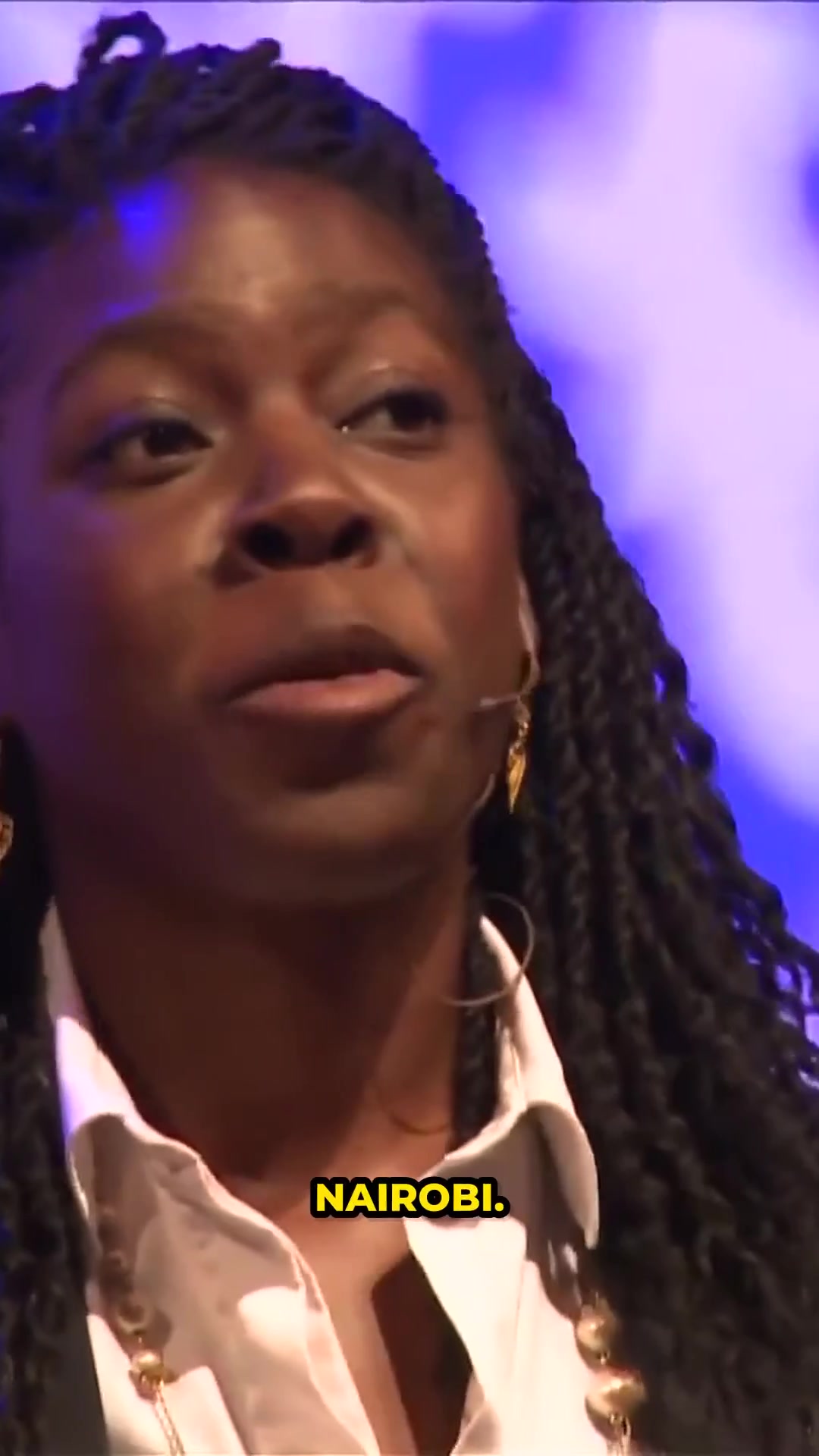
The Story About Africa We Rarely Hear on the News
“My mom came to visit me here in Nairobi... we saw hundreds of people by the side of the road and she asked, 'Where's everybody going?' I told her they were walking to work. Behind this image you have hundreds of millions of people who get up before dawn to feed their family. That's a story we need to be telling.”
Technical 16:9 to 9:16 Aspect Ratio Framing Guide
Converting a 1920x1080 horizontal frame to 1080x1920 vertical retains roughly 31.6% of the original width if you only center crop. Choosing the right reframing geometry makes the difference between an amateur zoom-in and a studio-grade Short.
Single Dynamic Tracking
Best for: Talking-head YouTube videos, solo tutorials, commentary, coaching
Natural cinema-like reframing without jarring jump cuts or cropped faces
Smooth MediaPipe face-centered 9:16 window panning across 16:9 source
Podcast Split-Screen
Best for: Side-by-side studio podcasts, Zoom/Riverside interviews, debates
Both host and guest expressions stay visible through every punchline
Left speaker stacked top half + right speaker stacked bottom half (9:16)
Gaming Split-Screen
Best for: Twitch/Kick gameplay, software walkthroughs, reaction streams with facecam
Preserves critical HUD, code, or UI details while showing human reaction
Wide 16:9 screen/gameplay upper frame + focused facecam lower frame
Mobile Safe-Zone Specs for YouTube Shorts, TikTok & Reels
Every vertical platform overlays buttons, captions, and channel names over the lower and right edges of your 9:16 video. ClippingTool positions subtitles inside the overlap-free zone shared by all three apps.
| Platform | Resolution | Aspect / SAR | UI Safe-Zone Rule | Audio |
|---|---|---|---|---|
| YouTube Shorts | 1080x1920 (or 720x1280) | 9:16 (SAR 1:1) | Keep text clear of bottom ~380px title bar & right ~140px action rail | -14 LUFS integrated |
| TikTok Vertical | 1080x1920 (or 720x1280) | 9:16 (SAR 1:1) | Clear of top ~150px Following/For You tabs, right icon rail & bottom captions | -14 LUFS integrated |
| Instagram Reels | 1080x1920 (or 720x1280) | 9:16 (SAR 1:1) | Centered 4:5 profile grid preview + clear bottom ~420px reel overlay zone | -14 LUFS integrated |
Output Encoding Specifications
- Aspect Ratio & Pixel Aspect
- Strict 9:16 vertical, SAR 1:1 (zero stretching)
- Output Resolutions
- 720x1280 (Free Google, no watermark) | 1080x1920 (Paid HD)
- Container & Video Codec
- MP4 (+faststart moov atom), H.264 (yuv420p)
- Audio Normalization
- -14 LUFS integrated loudness, AAC 128kbps stereo
- Subtitles & Editing
- Safe-zone ASS burned dynamic captions + downloadable .srt + inline editor
- Source Input Formats
- MP4, MOV, WebM, MKV uploads (up to 500MB) or public video URLs
Questions
Video to Shorts (16:9 to 9:16) FAQ
Answers about 16:9 to 9:16 aspect ratios, framing modes, platform safe zones, and H.264/-14 LUFS specs.
Does converting 16:9 to 9:16 stretch the video or add black letterbox bars?
No. Our converter outputs true SAR 1:1 vertical pixels at 720x1280 or 1080x1920 using smart reframing—active speaker face tracking, Podcast Split-Screen, or Gaming Split-Screen—so your footage fills the phone screen cleanly without distortion or pillarbox bars.
Which 16:9 to 9:16 framing mode should I choose for my footage?
Use Single Dynamic Tracking for talking heads, vlogs, and solo tutorials; Podcast Split for side-by-side two-speaker interviews; and Gaming Split when you want wide 16:9 gameplay or screen demos stacked above your facecam.
Will YouTube Shorts, TikTok, or Reels buttons cover my burned captions?
No. Dynamic captions are placed inside the shared vertical safe zone—clear of the bottom title/description stack, the right-hand like/comment/share column, and top status overlays—so one export works cleanly across all three platforms.
What exact video and audio specs are exported?
Every clip exports as H.264 MP4 with +faststart web streaming flags, SAR 1:1 square pixels, 720x1280 (Free Google) or 1080x1920 (Credit Pack / Starter / Pro), and AAC 128kbps audio normalized to -14 LUFS.
Can I convert silent 16:9 B-roll or product demos to 9:16 Shorts?
Yes. When a clip has no speech track, our multimodal pipeline still identifies high-interest visual segments, reframes them to 9:16, and can apply an optional top Hook Banner card.
What length are the resulting vertical Shorts?
The AI targets 30 to 60 second segments with a strong hook and complete ending, keeping every clip compliant with YouTube Shorts, TikTok, and Instagram Reels.
Last updated: 2026-11-26